Webhooks
Webhooks allow external services to be notified when certain happen within your eSourcing account. When the specified events happen, we’ll send a POST request to each URLs you provide.
Open webhook Page
To access webhook page, go to the menu - click Settings and choose API.
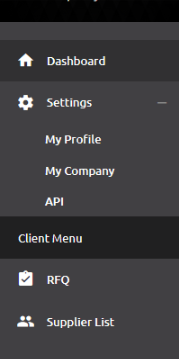
After API page has been opened, click the Webhooks tab.
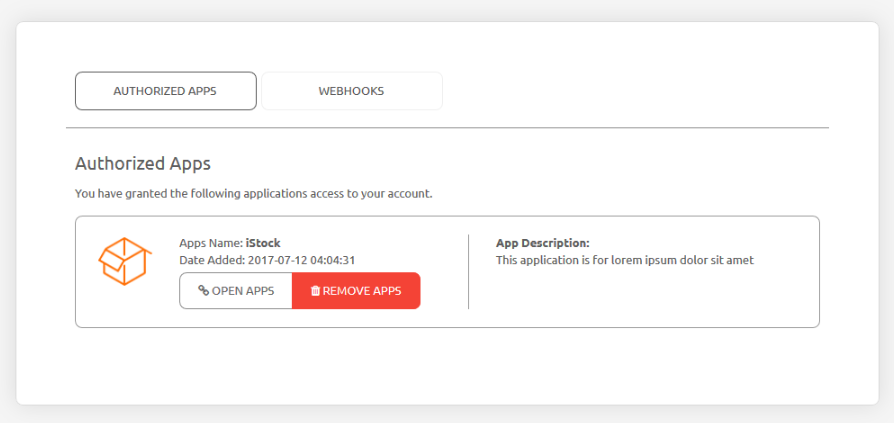
Webhooks List
Webhooks list will be showed on the webhook tab
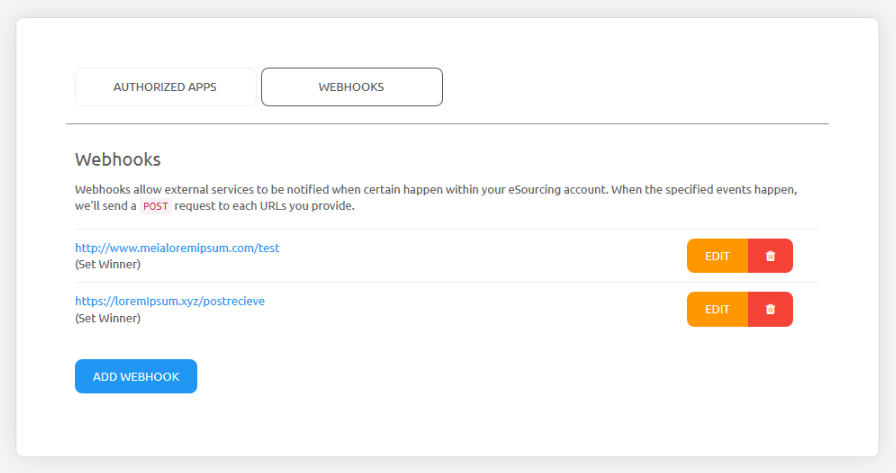
the webhook list contains the webhook URLs, the trigger events, edit and delete button for each webhook.
Add Webhook
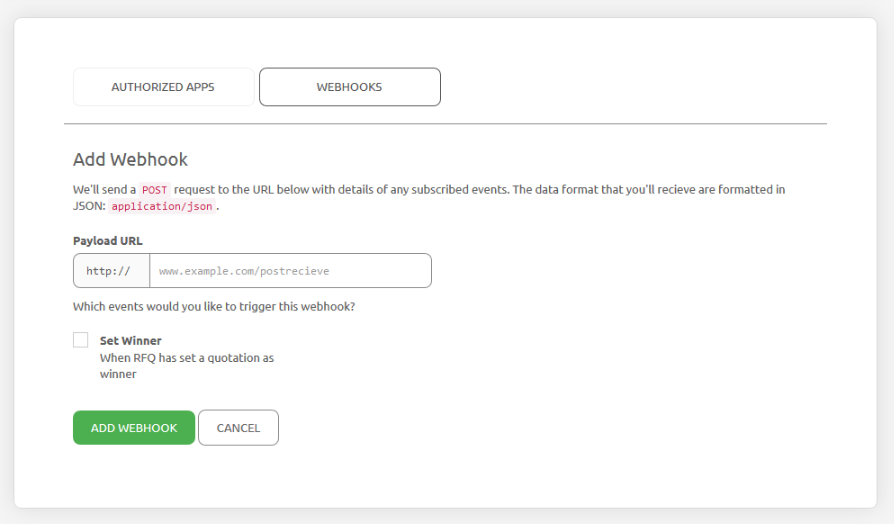
To add a new webhook, click the ‘Add Webhook’ button inthe bottom and the form will be appeared:
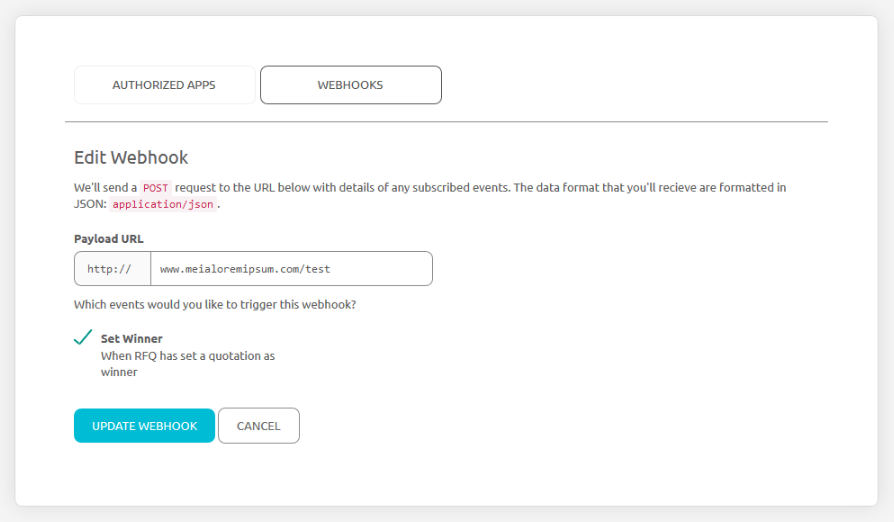
Edit Webhook
To make any changes to current webhook, click the ‘Edit’ button inthe bottom and the form will be appeared:
Delete Webhook
To delete current webhook, click the ‘Delete’ button, and the confirmation popup will be appear.
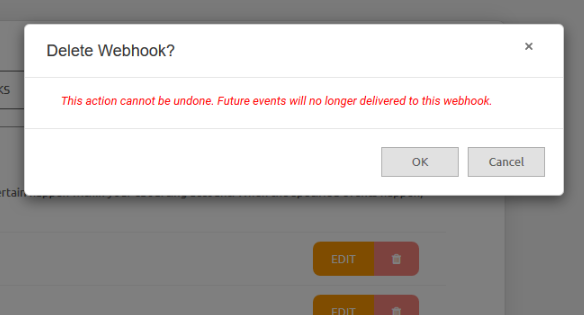
Click OK to continue; please note that delete webhook cannot be undone and will be premanently removed.