Login & Register
Login
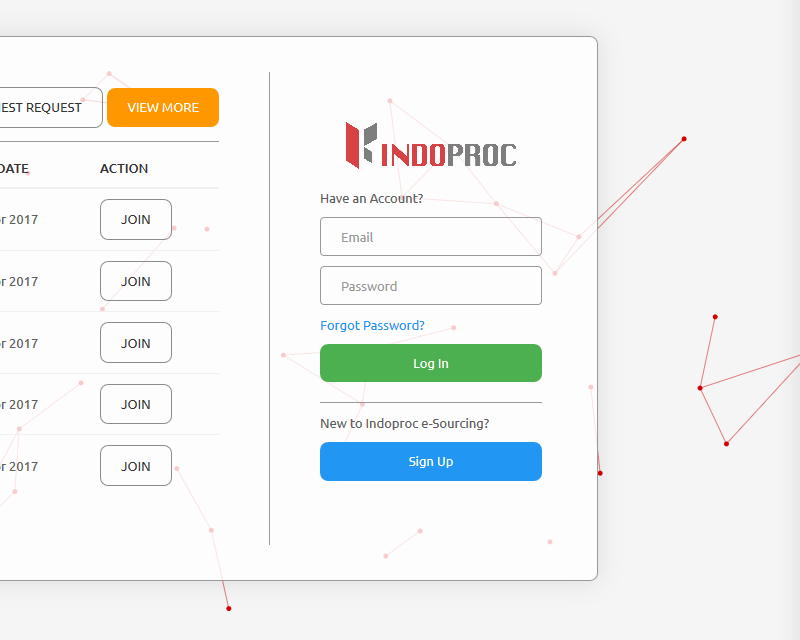
If you already have an account, you can login into eSourcing web-app from the Login Page:
input your registered email and Password
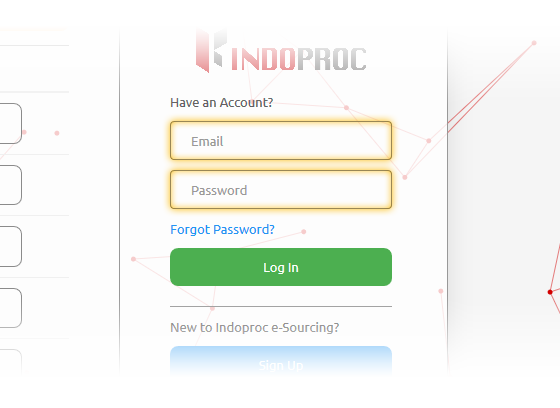
click ‘login’ button
Forgot Password
If you forgot the password you use to sign in to Indoproc eSourcing, you might need to reset it.
- First, check to make sure that Caps Lock isn’t on, because passwords are case-sensitive.
- To reset password, please follow these instructions below:
- At Login Page:
- Click the ‘Forgot Password’ link
- Input your registered email into the appeared ‘forgot password’ sidebar
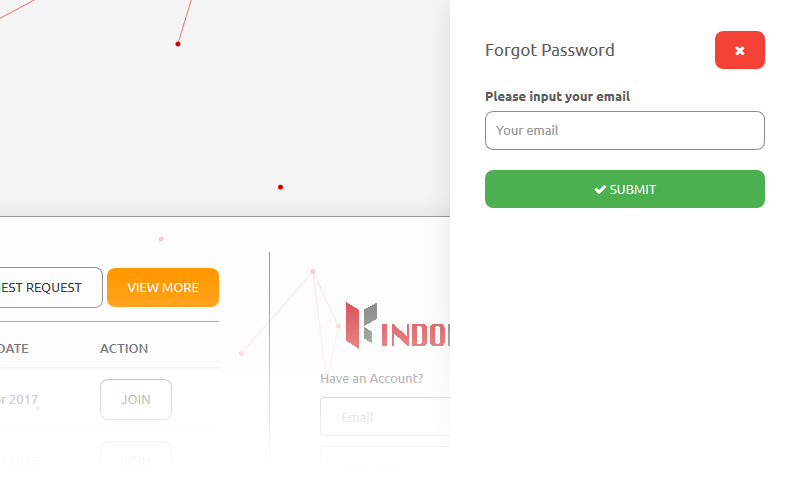
- Click Submit button and the ‘reset password’ link will be sent to your email
- Reset Password:
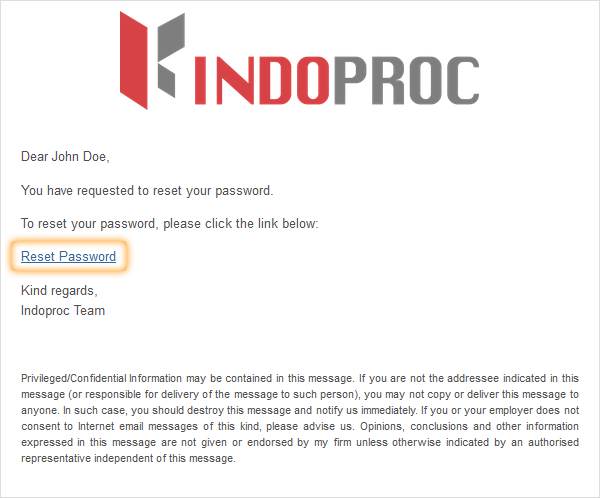
- Check your email inbox; if you couldn’t find the email, please check your spam/junk folder
- Click the ‘reset password’ link and you’ll be redirected to ‘reset password’ page
- Input your new password and your confirmation password
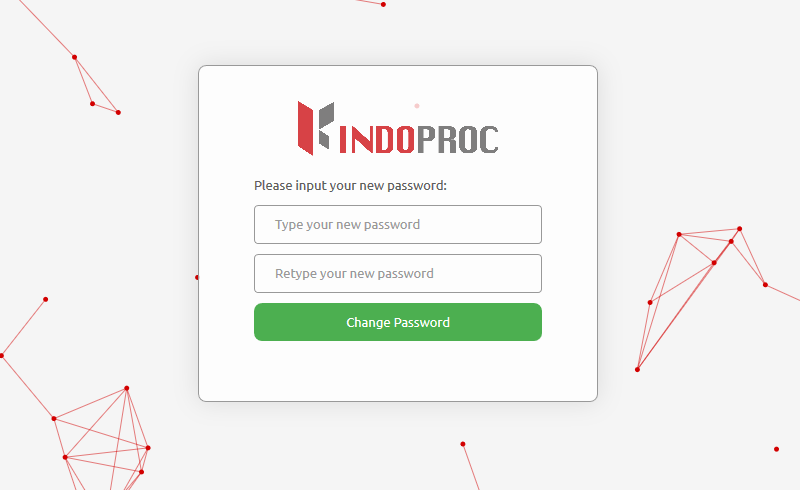
- Click change password
- Now you can login with your new password
Register
If you don’t have an account, you can create a new one from this link or click ‘Sign Up’ button from the login page.
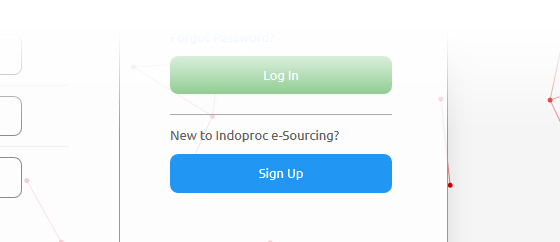
For start your registration, please follow these instructions below:
Input all the required data
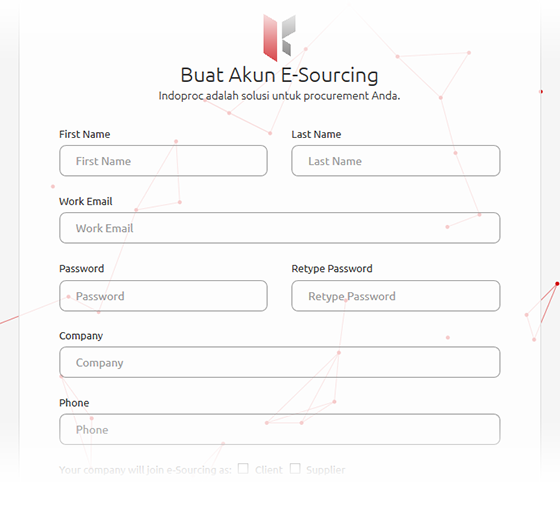
Choose Your Role:
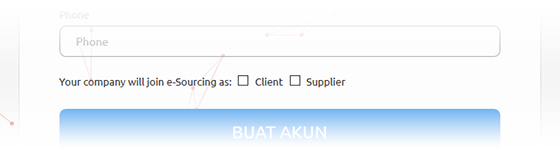
- Check ‘Client’: if your company want to create the RFQ and get the quotation from supplier
- Check ‘Supplier’: If your company want to submit quotation in response to published RFQ that created by ‘client’ Companies
- You can also check both of ‘Client’ and ‘Supplier’
- click ‘Sign Up’ button and the ‘activation’ link will be sent to your email
Activate your account:
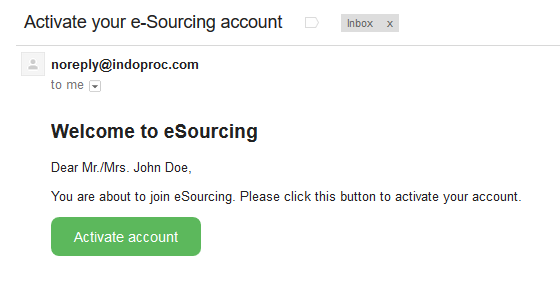
Check your email inbox; if you couldn’t find the email, please check your spam/junk folder
Click ‘Activate account’ button and you’ll be redirected to welcome page
To start login you can follow the Login Instructions above.