Join Private RFQ
you can create quotation for private RFQ if you’re invited by the client.
Finding Private RFQ
Via Email
- If you are invited by the supllier, you will automatically recieve the notification email.

- click the ‘RFQ Detail’ link to create quotation and read the ‘Create Quotation’ section below.
Via Website
- Beside email, the Private RFQ will also appeared in your Invited RFQ list.
- to view your RFQ invitation, click the ‘Private RFQ’ menu
Create Quotation
We are assuming that you’re already at(open) the Private RFQ Detail page.
Click the green ‘Send Quotation’ button at the right corner
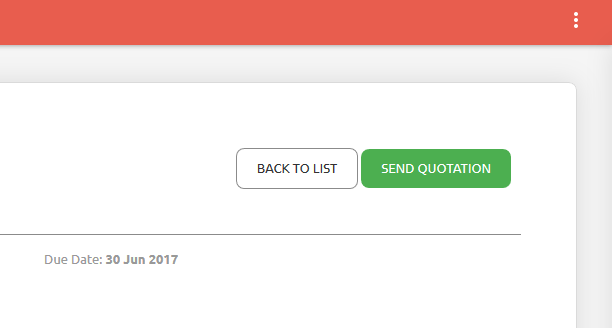
you’ll be redirected to quotation submit page

you just need to input your bid price (the unit price will be automatically calculated)
don’t forget to choose the tax menu to define that your inputted price is already included tax, excluded or no tax.
you can upload your support files/attachment for each item(format file supported: *.png, *.gif, *.jpg, *.jpeg, *.doc, *.docx, *.xls, *.xlsx, *.pdf)
you can add notes to the quotation plus, you can add your support files/attachment for your quotation
Click ‘Submit Quotation’